Link
Open a web address from any selected area of the page.
Interactive publishing from PDF
Import a finished PDF, keep the design you already have, and add video, audio, links, images, quizzes, forms and web content directly on its pages.
Desktop authoring for Windows and Linux · no mandatory cloud publishing platform
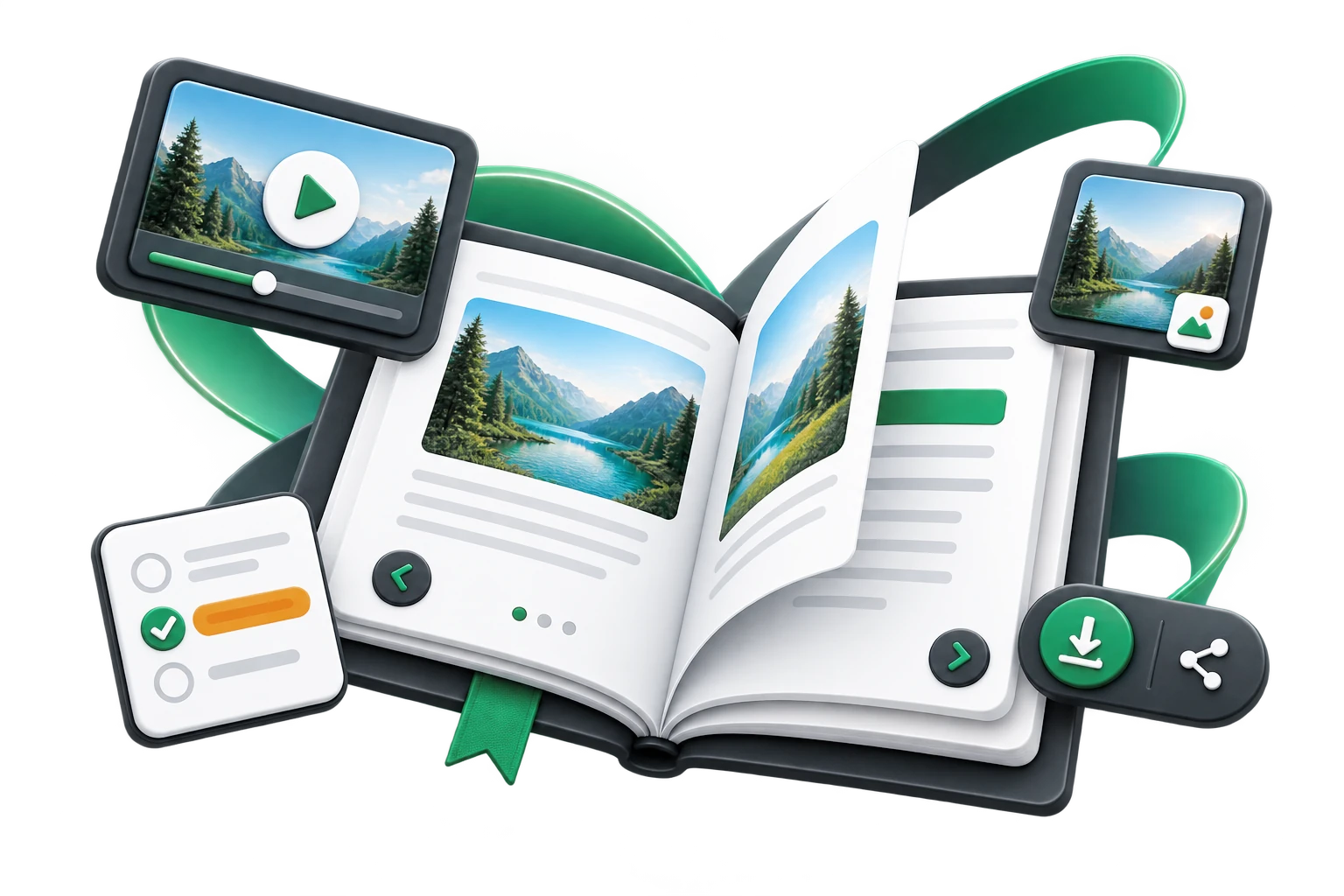
One PDF. Much more possible.
Add interactivity only where it creates value, then distribute through the free Viewer or publish on your own web infrastructure.
See what you can publish
See how the same PDF-first workflow can become an interactive textbook, a product catalogue or a practical digital guide.
Keep the familiar page design and add video, audio, links and short knowledge checks where they support learning.
View online ↗Turn a finished sales PDF into an online publication with product links, video, enquiry forms and clear calls to action.
View online ↗Combine the original publication with narration, additional web resources, forms and useful reader controls.
View online ↗Each example opens in a new window.
9 interactive elements
Elements are positioned visually over the original PDF page, so the publication keeps its established layout while gaining new behaviour.
Open a web address from any selected area of the page.
Add a visible call to action such as Learn more, Download or Buy now.
Add PNG, JPEG, WebP or GIF content without changing the source PDF.
Use local video or embed YouTube, Vimeo and DailyMotion content.
Add narration, pronunciation, interviews, music or other audio directly on the page.
Place short knowledge checks inside an educational publication.
Collect name, email, phone and message data through your own endpoint.
Embed a web page or your own sandboxed HTML content.
Create a clear tap-to-call action for supported devices.
From document to multimedia publication
Enrich only the places where interaction adds value. The original page remains recognisable and readable.
Use MP4, WebM or OGV files, or embed video from YouTube, Vimeo or DailyMotion. Popup video keeps the page layout clean while giving playback more room.
Support for MP3, M4A, AAC, WAV, OGG and WebM audio makes narration, pronunciation and recorded examples part of the publication.
A quiz can contain up to five questions with up to five answers each, including multiple correct answers, feedback, progress, results and retry.
Add simple forms, embed external web content or run your own HTML in an isolated sandbox. The form endpoint remains under your control.
Publication display mode
Display a publication as a flipbook with soft or hard covers, or as a presentation without page-bending effects. Interactive elements remain available in every mode.
SOFT PAGES
Well suited to magazines, brochures, work materials and editions where a light, natural page-turning feel is preferred.
HARD COVERS
The covers turn as rigid elements, while the inner pages retain natural page turning and dynamic shadows.
PRESENTATION MODE
Well suited to presentations, reports, learning materials and content where a clean single-page display matters most.
A reader made for actual use
The Player combines direct page navigation, Contents, thumbnails, zoom, fullscreen and page-specific comments. The author decides which optional controls are available.
On smaller screens the interface adapts to the available space, while zoom and panning make detailed PDF pages easier to inspect.
Two ways to distribute
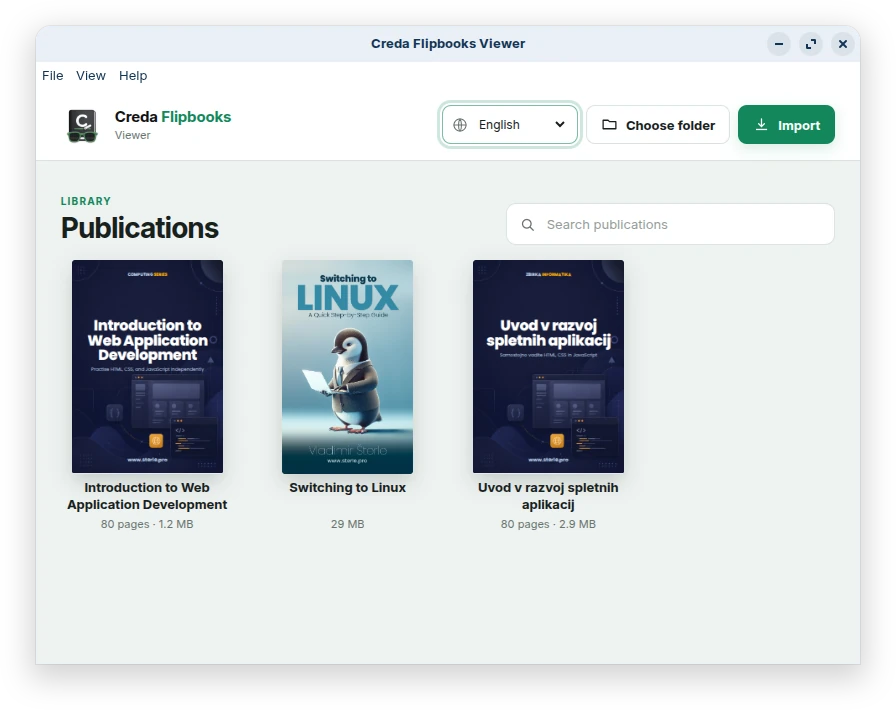
Use the free desktop Viewer for local distribution or export a standalone web package and host it on infrastructure you control.
.creda + free Flipbooks ViewerShare the publication as a Creda file for Windows or Linux. The free Viewer is designed to organise and read finished publications without purchasing the Editor.
Export the prepared pages, project data, interaction layer, CSS, JavaScript runtime, page-turn engine and required media, then publish them on your own server, domain, intranet or hosting provider.
Multilingual interface
Flipbooks Editor supports 33 interface languages. The selected language is also used by the publication Player, and the separate Viewer supports the same language set.
Built around finished publications
Flipbooks is especially useful when the visual design should remain intact but the digital edition needs multimedia, navigation and reader interaction.
Turn textbooks, scripts and learning materials into richer digital editions with video, audio, quizzes and reader notes.
Keep the professionally designed PDF as the foundation and add a digital layer without rebuilding the publication for the web.
Interactive annual reports, manuals, onboarding materials, technical documentation, brochures and internal publications.
Make catalogues and brochures actionable with product links, video, enquiries, phone actions, sharing and embedded content.
Creda Flipbooks
Choose the Windows or Linux edition. Both include the complete Flipbooks Editor feature set; the free Flipbooks Viewer remains available on both platforms.
Special pricing for schools, universities and larger institutional deployments is available on request.
DOWNLOAD TRIAL
Download the Editor trial for your platform. The Viewer is free and can be installed separately to organise and read finished .creda publications.