
Create from scratch
No ready-made template decides what your work should look like. A blank canvas asks you to choose the structure, typography, colours, imagery and visual hierarchy yourself.
Visual creation for students
Start with a blank canvas and turn your own ideas into posters, presentations, infographics, diagrams and other visual work. Creda Design is completely free for students and educators — with no ready-made templates and no generative AI creating the assignment for you.
Blank canvas · your design decisions · advanced tools worth learning
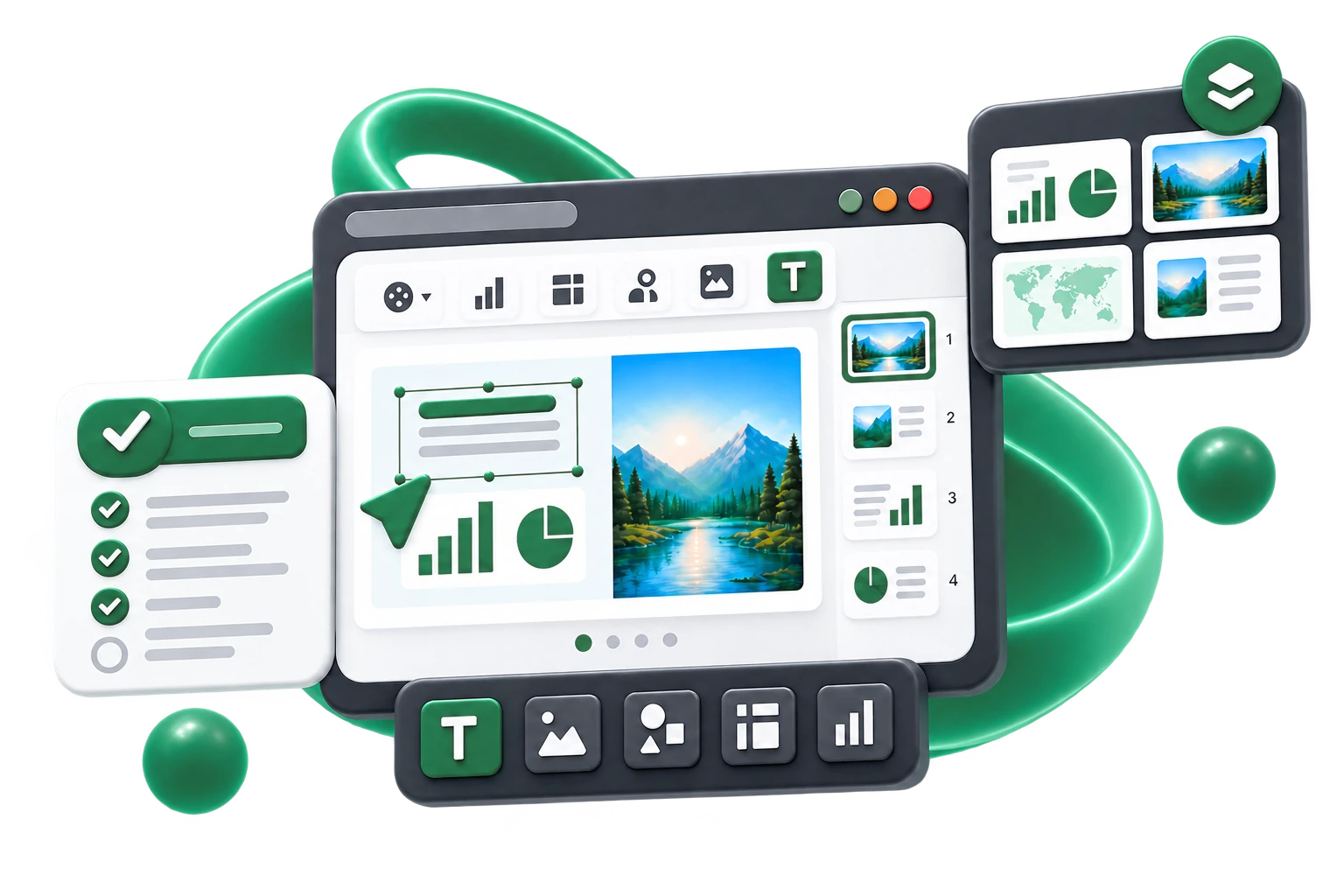
No ready-made template decides what your work should look like. A blank canvas asks you to choose the structure, typography, colours, imagery and visual hierarchy yourself.
Learn layers, guides, snapping, masks, vector paths, Bézier nodes and other concepts you will also encounter in more advanced design software.
For students, educators, schools and universities. No trial period, subscription or watermark.
Context, not an AI verdict
AI-detection claims can be unreliable. Creda Design takes a narrower, more transparent approach: it records what happened inside the project and lets the teacher interpret that information in context.
It does not claim that students must never use AI or outside sources. It simply does not offer a prompt that creates the finished visual assignment for them inside the creative workspace.
The system does not make a judgement. It gives the teacher context.
Creativity grows through making
When students are not filling in a ready-made template, they have to understand the topic, choose what matters, organise ideas and find their own way to communicate them clearly.
Identify the concepts, relationships and evidence that really matter.
Decide what to include, what to leave out and what deserves emphasis.
Organise information so the reader can follow the idea, argument or explanation.
Try different solutions, compare them and develop the final work through your own decisions and revisions.
Skills you can take further
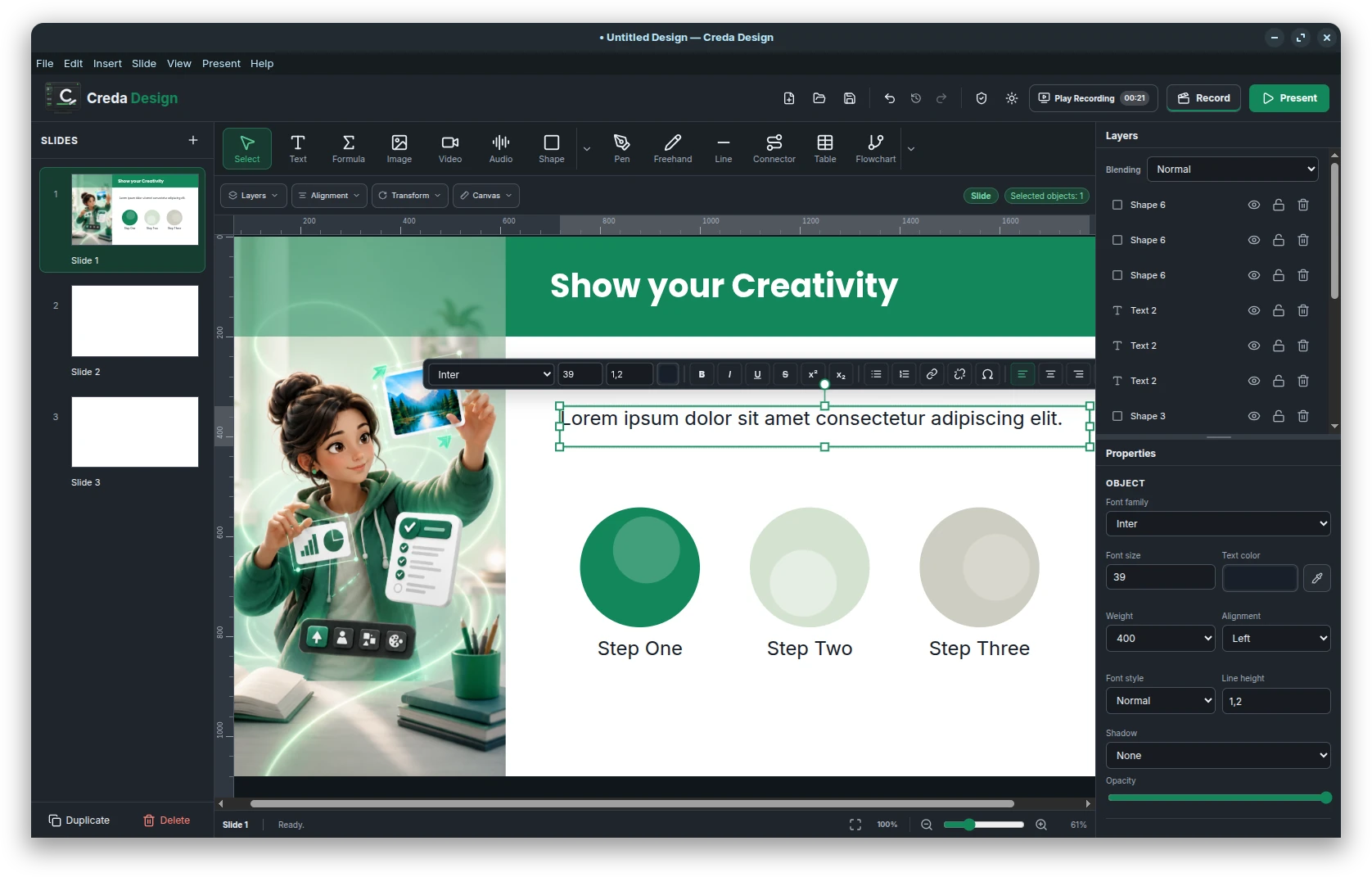
Creda Design introduces concepts and tools that students can later recognise in vector-drawing and image-editing applications: typography, colours, gradients, borders, opacity, shadows, image cropping and masks, alignment, distribution, grouping, layers, guides, grids and snapping. For more advanced work, vector paths, Bézier nodes and Boolean operations are also available.
Presentation recording
Students can record their presentation directly in Creda Design using a microphone and webcam.
The visual project and the recorded presentation stay together, so the complete assignment can be submitted for review as a single .cred file.
Voice and webcam video are captured when the student starts recording.
Project + recorded presentation in one file. No separate video upload or sharing link is required.
Verified Creation History
Creation Evidence can use integrity checks so the application can distinguish a normally recorded history from a record whose integrity cannot be verified.
No background camera or microphone recording. No hidden screen recording. No monitoring of keys pressed in other applications. Presentation recording starts only when the student explicitly chooses it; Creation Evidence is limited to meaningful actions inside the Creda Design project.
For education
Creation Evidence is not an automatic punishment system. It gives educators additional context and lets students show the process, experimentation and revisions that are invisible in a final export.
Develop your own visual voice, learn design skills through practice and show how your work changed from the first idea to the final version.
Review the finished work alongside useful context about sessions, revisions, imported material and the development of the visual structure.
Use one completely free creative tool across languages, humanities, STEM, medicine, business, art and project-based learning.
Multilingual interface
Creda Design supports 33 interface languages, so students and teachers can work in the language that suits them best.
Creda Design
Creda Design is a completely free desktop application for students and educators. Creative work happens locally, and no cloud account is required to start a project.