
Full
Every design, media, presentation and logic tool in one workspace.
Visual authoring for learning, media & publishing
Coming soonCreate interactive lessons, multimedia presentations and print-ready publications. Design your content, add interactions and publish to the web or an LMS.
SCORM 1.2 & 2004 • xAPI 1.0.3 • cmi5 • Accessibility • Separate Windows & Linux editions
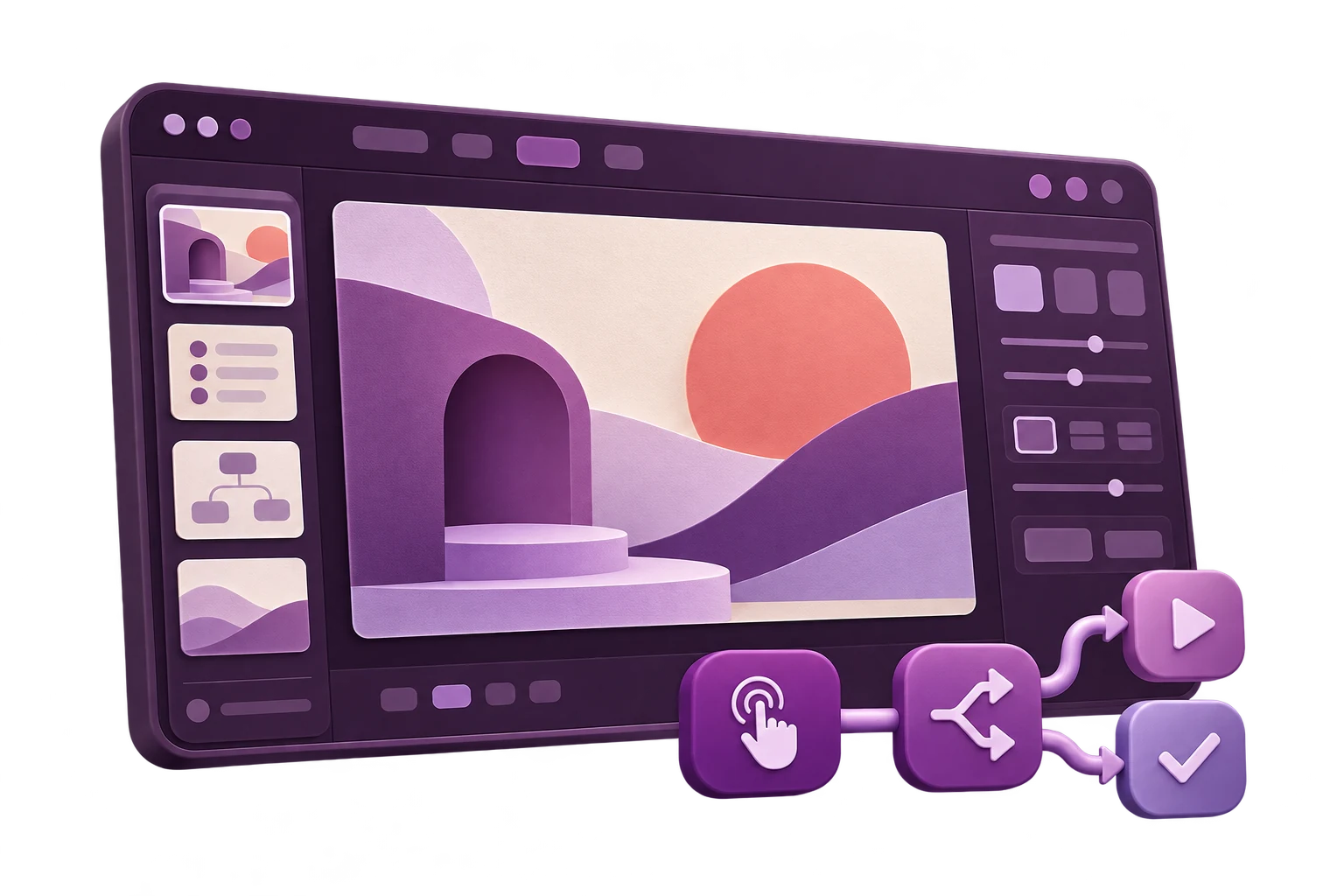
One authoring environment
Start with a blank page instead of a rigid course template. Combine freeform design, multimedia, learning activities and no-code logic, then deliver the result through an LMS, the web or the free Viewer.
Four workspaces, one Creator
Creator is broad, but the interface does not need to feel complex. Switch workspace at any time without changing the project or losing access to its content.
Every design, media, presentation and logic tool in one workspace.
Focus on vector drawing, page layout, typography and image tools while presentation logic stays out of the way.
Bring slides, transitions, animation, media and presentation delivery tools to the front.
Prioritise interactivity, variables, Events, Conditions and Actions for advanced behaviour.
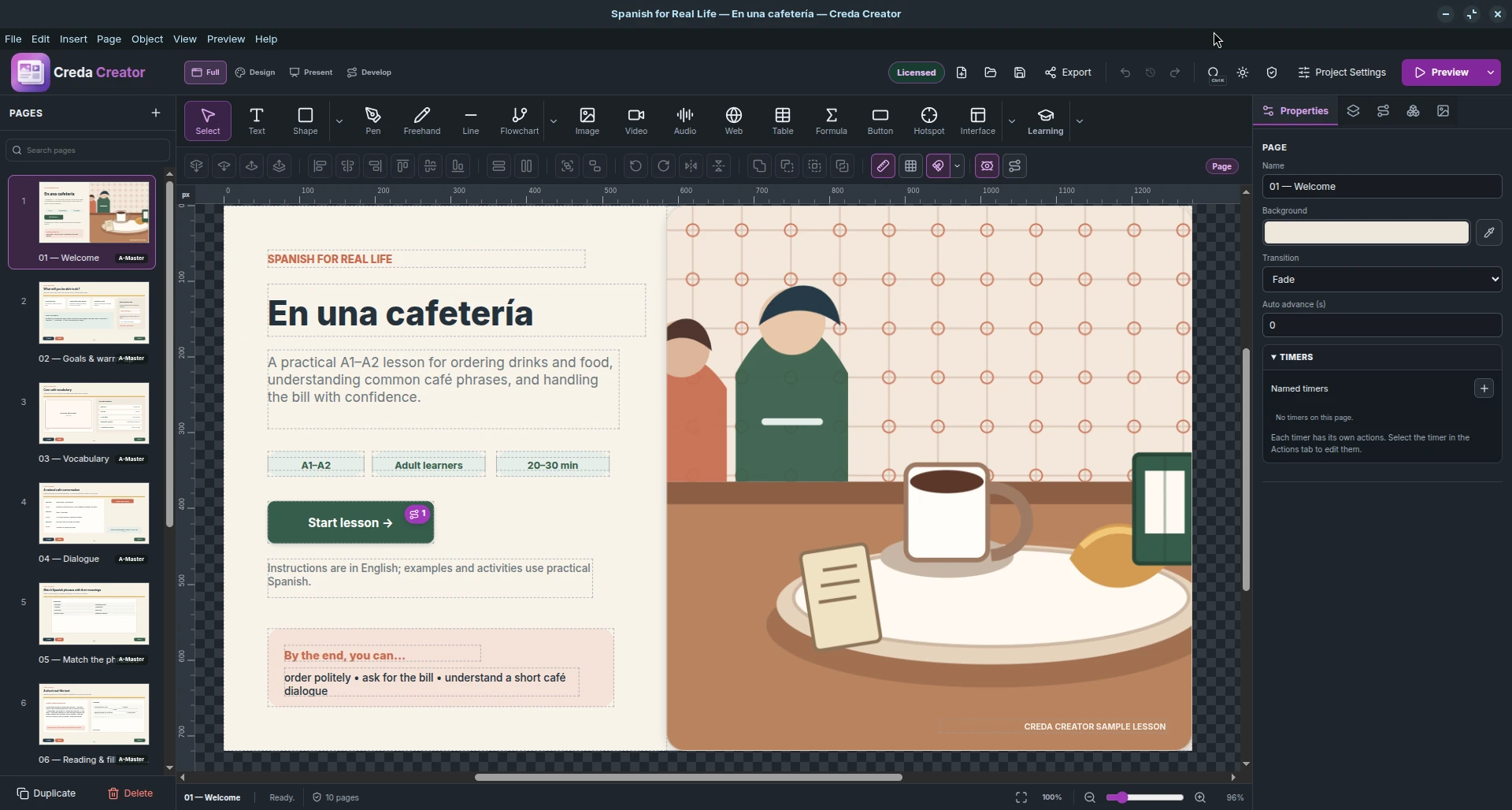
Bring existing work with you
Creator can import ODP presentation content and convert much of it into editable Creator objects, including text, images, shapes, lines, paths, Bézier geometry, SVG, backgrounds, gradients and master elements.
After import, enrich the existing presentation with learning components, variables, events, conditions and actions.
Faster creation
Creator is designed to stay manageable as a project grows.
Add common behaviors next to the selected object without opening the full logic editor.
Reuse object styling or complete page structures instead of rebuilding them.
Reuse complex structures and manage imported or freshly recorded image, video and audio assets across the project.
Find commands, pages, objects and assets quickly, with Undo / Redo and project history for safer experimentation.
Page layout, typography & DTP
Creator combines interactive authoring with page-layout controls that are rarely found together in an e-learning tool.
Wrap text around images and shapes instead of limiting it to isolated boxes.
Place and edit text along a path for labels, circular compositions and graphic treatments.
Thread frames so overset text automatically continues through a multi-frame layout.
Reuse typography consistently and update longer documents more efficiently.
Reuse background structures and recurring elements across many pages.
Place page numbers on master pages and keep them correct as the document changes.
Work in px, mm or inches with screen, print and business-card page presets.
Use facing pages, margins, columns, gutter and bleed for structured documents.
From screen to press
Choose Screen PDF for everyday digital distribution or build a Print PDF with physical page geometry, colour management and production checks.
Use px, mm or inches; A3–A6, B3–B6, DL, Letter, Legal, Tabloid and business-card presets; margins, facing pages, columns and gutter.
Define bleed and crop marks, with MediaBox, TrimBox and BleedBox information for print workflows.
Export RGB or colour-managed CMYK using an ICC profile. PDF/X-4 is available when a compatible Ghostscript installation is present.
Check bleed, effective image PPI, overset text, fonts and other production risks before export.
Non-destructive image adjustments
Adjust the appearance of a placed image while preserving the original asset and the freedom to revise every setting later.
Save adjustment Presets, copy and paste settings between images, or use Apply Permanently when you want to bake the result into a new asset.
Multimedia, recording and real UI controls
Import media or record it directly into Assets. Playback can be controlled through actions, while media events can trigger new behaviour.
Record microphone audio, camera video, camera with microphone, a screen or application window, or screen/window with microphone. Add an optional webcam overlay and capture system audio where the platform supports it.
* System-audio capture depends on operating-system support.
Built-in learning activities
Use ready-made components for practice and assessment, then combine them with scoring, variables, conditions, object states and custom navigation instead of being limited to a predefined course template.
One authoring tool, many uses
The same freeform authoring model can support structured courses or entirely custom interactive experiences.
Build self-paced SCORM courses, assessments, branching scenarios, simulations and custom learning interactions.
Turn lessons into exploratory and assessed activities with feedback, scoring and learner-controlled navigation.
Create onboarding, compliance, safety, procedural and product training that can be delivered through an LMS.
Build presentations, kiosks, product demonstrations, interactive manuals and application-like experiences without developing a custom application.
Creator in the classroom
Creator can be used not only to make educational content, but also as a teaching environment. Students work visually while learning concepts that transfer to design, interactive media and programming.
Explore composition, hierarchy, typography, colour, spacing, alignment, layers, shapes, paths and visual consistency directly on the canvas.
Introduce event-driven thinking through Events, Conditions and Actions, then progress to variables, Boolean logic, IF / ELSE branching, states, timers and expressions — without requiring students to start with source code.
Combine images, audio, video, web content, animation and interactive controls while learning how different media behave inside one digital experience.
Choose how the finished experience is distributed
Deliver the complete interactive runtime or export a publication and individual pages in the format the next workflow needs.
Export the complete interactive project as one self-contained HTML5 file with runtime and embedded resources.
Create an LMS-ready ZIP with completion, score, pass/fail, interactions, session time, bookmark/resume and preflight.
Publish an LMS-ready package using the SCORM 2004 runtime model for completion, success, score, interactions and resume.
Send learning activity statements to a configured LRS and track experiences beyond a traditional LMS launch.
Package xAPI-based courses for LMS launch and registration with cmi5-defined session and completion rules.
Keep full Creator interactivity in a desktop playback environment. Recipients use the free Viewer.
Create a static PDF optimised for everyday on-screen sharing.
Export press-oriented PDF with physical units, bleed, crop marks, page boxes, RGB/CMYK and production preflight.
Create EPUB 3 Fixed Layout publications when page composition and positioned content need to remain intact.
Use lossless raster output for diagrams, text-heavy pages, transparency and crisp edges.
Create compact files for photo-rich pages and previews, with adjustable image quality.
Use modern compression for web delivery, with strong quality, smaller files and transparency.
Preserve vector geometry and choose whether text remains editable or is converted to paths.
Standards-based learning delivery
Deliver standards-based learning through SCORM 1.2, SCORM 2004, xAPI 1.0.3 or cmi5, with tracking appropriate to the selected standard.
Choose SCORM 1.2, SCORM 2004, xAPI 1.0.3 or cmi5 for the platform and reporting model you need.
Define completion and success rules, calculate course results and report outcomes through the selected standard.
Track session time, learner interactions and course progress, with bookmark/resume where the standard and launch context support it.
Check launch settings, tracking rules and package readiness before Creator builds the final package.
DOWNLOAD TRIAL
Coming soonDownload the 14-day Editor trial for your platform. The Viewer is free and can be installed separately to open finished Creator projects.
Creda Creator
Choose the Windows or Linux edition. Both include the same Creator features; each licence activates only the operating system it was purchased for. The Creda Creator Viewer remains free.
Special pricing for schools and universities is available on request.